
Sora AI Video Generator: What Ad Creators Need to Know
A practical overview of the Sora AI video generator for advertising teams, including how it works, current capabilities, limitations, and how it fits into a structured ad creative workflow.
The Sora AI video generator has attracted significant attention since its release. Developed as a text-to-video model, Sora can generate realistic and stylized video clips from text prompts. For advertising teams, the obvious question is whether this kind of generative video can replace or complement existing ad production workflows. The short answer is that Sora is powerful for specific use cases but works best as part of a broader production system rather than as a standalone ad creation tool.
What Sora does well
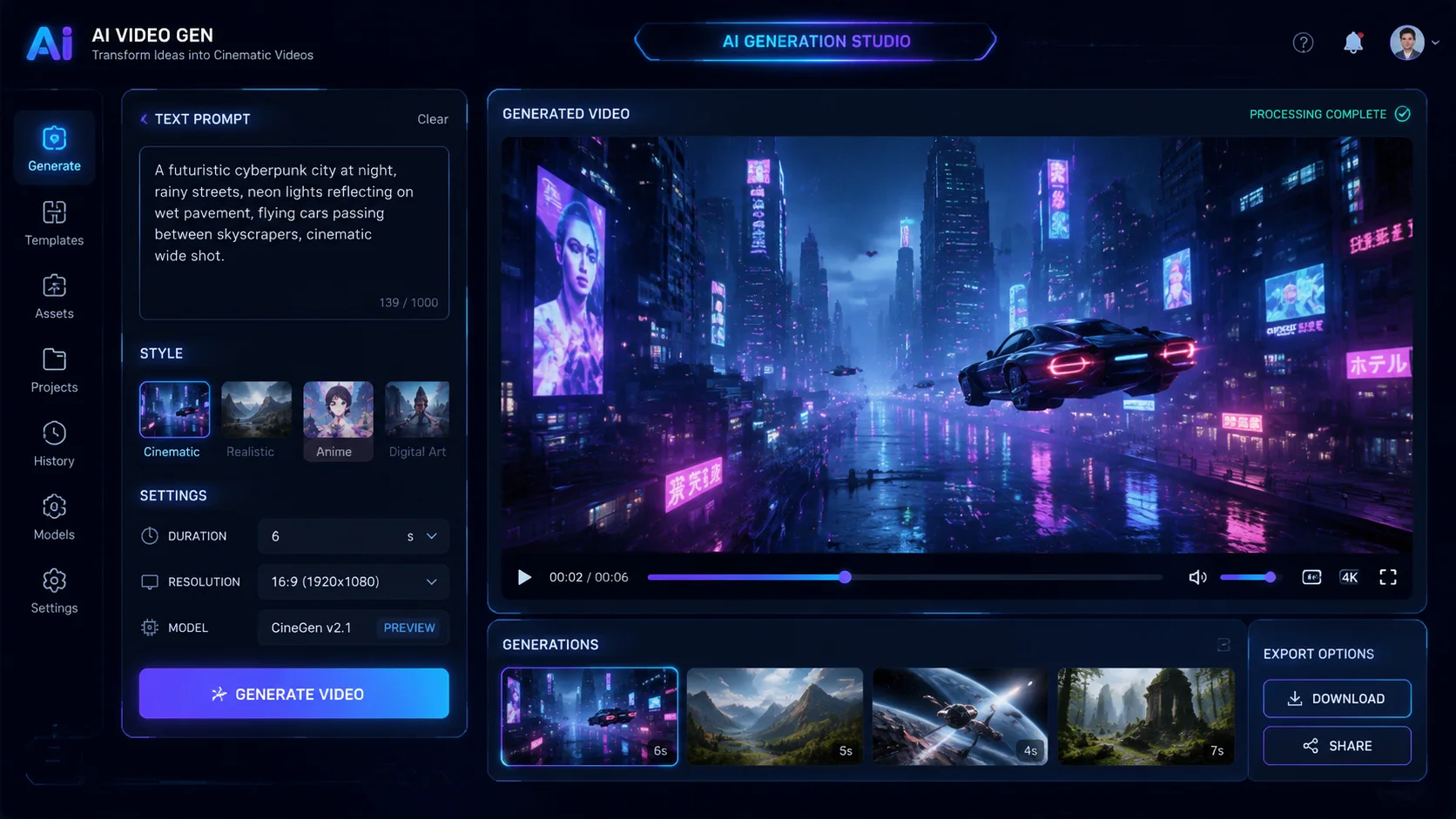
The Sora AI video generator excels at generating high-quality visuals from descriptive prompts. It can produce cinematic footage, product scenes, environmental shots, and abstract brand imagery that would be expensive or logistically difficult to capture on a physical shoot. For advertisers who need background footage, lifestyle scenes, or product demonstrations in various settings, Sora can generate multiple options in minutes. The model handles motion, lighting, and composition at a level that was not available in earlier text-to-video tools. This makes it useful for producing visual assets that support a larger campaign.
Another strength is iteration speed. A creative team can describe a scene, review the output, adjust the prompt, and generate a refined version without scheduling a reshoot or renting equipment. This changes the creative process from linear production to rapid visual exploration. Teams can try different angles, color palettes, product placements, and mood styles in a single session. The best results come from treating Sora as a visual sketch tool that generates raw material, not finished ads.
Where Sora falls short for ad production
Despite its visual capabilities, the Sora AI video generator is not designed as an ad production platform. It does not include AI actors who can deliver spoken script, integrated subtitle generation, lip-sync for multilingual campaigns, or structured variant management. An ad needs more than beautiful footage. It needs a clear message, a presenter the audience trusts, proof that supports the claim, and text overlays that work on mobile screens. Sora generates the visual layer but leaves the rest of the production workflow to be built separately.
There are also practical constraints. Output length is limited, fine control over specific details can be difficult, and the generated content may include artifacts that require editing. For high-stakes advertising campaigns, relying entirely on generative footage without human review and assembly creates quality risk. Teams that use Sora as the sole creative engine often find that the visuals outpace the message, producing ads that look impressive but do not convert.
How to combine Sora with structured ad tools
The strongest workflow combines the Sora AI video generator with a structured ad production platform. Use Sora to generate background footage, product scenes, or establishing shots. Then import those visuals into a platform like makeads that handles script writing, AI actor delivery, subtitle placement, lip-sync, variant management, and commercial export. This hybrid approach gives the team cinematic visuals from Sora and the structured ad production from the dedicated platform. The result is an ad that looks professional and delivers a clear, testable message.
For example, a campaign for a travel product could use Sora to generate scenic destination clips. Those clips become the visual backdrop while an AI actor explains the product benefit in a testimonial style. The platform handles the actor script, subtitle timing, localization, and variant production. The final ads combine compelling visuals with trusted presenter delivery and clear proof. Neither Sora alone nor a standard ad platform alone would produce this result as efficiently.
Practical tips for ad teams using Sora
Start with a clear brief before generating anything. Know what the ad needs to prove and which scenes require generative footage. Generate multiple visual options and review them for brand alignment, product accuracy, and claim compatibility. Keep the generated clips short because longer clips increase the risk of artifacts and reduce editing flexibility. Always combine generative visuals with structured ad elements: a script built for speech, an actor who matches the audience, proof that supports the promise, and subtitles that work on silent playback. Test the combined ad on a phone before approving it for campaign launch.
The Sora AI video generator is a useful addition to the ad creative toolkit, but it is not a replacement for production discipline. Teams that treat it as a visual generator within a structured workflow will get stronger results than teams that expect it to produce finished ads from a single prompt.
How to apply this guide in makeads
Use this guide as a practical checkpoint for planning AI UGC videos, comparing creative angles, and deciding which parts of your workflow should be scripted, generated, reviewed, localized, and tested first.
The most useful next step is to translate the advice into one production brief: define the audience, the opening hook, the proof moment, the actor style, subtitle requirements, and the metric you will use to decide whether a video variant is worth scaling.
Related focus areas for this topic include Sora AI Video Generator, Sora 2, AI Video, Ad Creative. If you are building a campaign library, connect this guide with your pricing assumptions, platform policy checks, and localization plan before creating the final export.