
How to Cancel Kling AI Subscription: Step-by-Step Guide for 2026
A complete guide to canceling your Kling AI subscription, including web and mobile cancellation steps, refund policies, what happens to your data after cancellation, and alternatives to consider before you cancel.
Kling AI is a powerful video generation platform, but there are legitimate reasons to cancel a subscription: you may have found a better tool, your project has ended, or you simply need to pause spending. Whatever your reason, canceling correctly ensures you avoid unexpected charges, retain access to your created content, and understand the refund terms. This guide walks through every step.
Before you cancel: what to prepare
Before initiating cancellation, download any generated videos you want to keep. Kling AI may restrict access to your content immediately or shortly after cancellation, depending on your subscription terms. Save your generation history, exported videos, and project files to your local device or cloud storage.
Review your billing cycle. Canceling at the beginning of a billing cycle maximizes the value of your current payment. Canceling mid-cycle may still grant access for the remainder of the paid period. Check Kling AI's specific policy on prorated refunds for mid-cycle cancellations.
Canceling via the Kling AI website
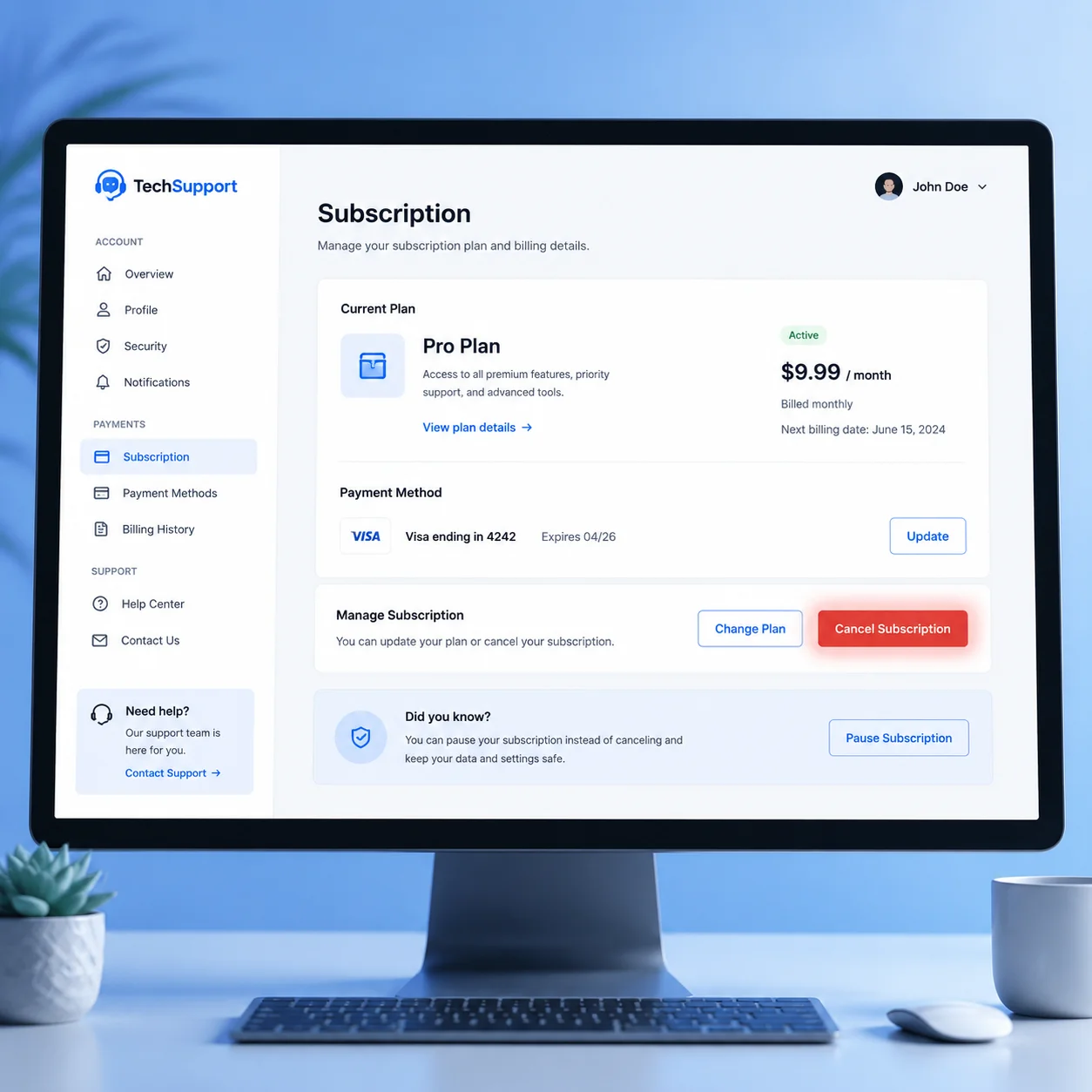
Log into your Kling AI account on the website. Navigate to account settings, typically found in the upper right corner under your profile icon or avatar. Look for a subscriptions, billing, or plans section. Inside this section, you should see your current plan details and a cancel subscription or manage subscription option.
Click the cancel option and follow the prompts. Kling AI will typically ask for a cancellation reason and may offer a discounted retention offer. If you are canceling for cost reasons, the retention offer may be worth considering. If you have already decided to switch platforms, decline the offer and confirm cancellation.
Canceling via mobile app
If you subscribed through the Kling AI mobile app on iOS or Android, cancellation must go through the respective app store. Open your device settings, find Subscriptions in your Apple ID or Google Play account settings, locate Kling AI, and select cancel. Follow the app store prompts to confirm.
App store subscriptions have different rules than direct subscriptions. Apple and Google both provide clear refund policies for accidental or unwanted subscriptions. If you experience issues with app store cancellation, contact the app store support team before contacting Kling AI support.
Understanding Kling AI refund policies
Kling AI's refund policy depends on the subscription type and timing of cancellation. Monthly subscriptions typically do not offer prorated refunds for the remainder of a paid period. Annual subscriptions may offer partial refunds based on the unused portion, minus any administrative fees.
Refund requests are processed separately from cancellations. Simply canceling your subscription does not automatically trigger a refund. If you believe you are entitled to a refund based on Kling AI's stated policy, submit a refund request through their support channel. Include your account details, subscription information, and reason for the refund request.
What happens to your data after cancellation
After cancellation, your account typically remains accessible in a limited state for a grace period. During this time, you can log in and download your generation history. After the grace period expires, your account may be deactivated and your generated content may be deleted from Kling AI's servers.
The grace period duration varies by subscription tier and regional data protection laws. Some users report 30 days of read-only access after cancellation. Others find access restricted immediately. Assume your content will be unavailable after cancellation and download everything you need beforehand.
Alternatives to consider before canceling
Before canceling, evaluate whether a different subscription tier better suits your needs. Kling AI offers multiple tiers, and a lower-cost plan may provide sufficient features at a more sustainable price point. Alternatively, consider pausing rather than canceling if the platform offers seasonal pause options.
If you are canceling because Kling AI does not meet your video production needs, consider alternatives like makeads for UGC-style talking head videos, Sora 2 for cinematic generation, or Runway for comprehensive video editing and generation capabilities. Each platform excels in different use cases, so match the alternative to your specific requirements.
Troubleshooting cancellation issues
If the cancel button is grayed out or unresponsive, clear your browser cache and try again. If you cannot find the cancel option in account settings, check Kling AI's help center for platform-specific cancellation guides. Contact customer support if you encounter persistent issues with the cancellation process.
Document your cancellation attempt with screenshots and confirmation emails. This documentation is valuable if you are charged after canceling and need to dispute the charge with your payment provider. Most cancellation issues are resolved quickly through customer support, but having documentation protects you in case of extended resolution times.
How to apply this guide in makeads
Use this guide as a practical checkpoint for planning AI UGC videos, comparing creative angles, and deciding which parts of your workflow should be scripted, generated, reviewed, localized, and tested first.
The most useful next step is to translate the advice into one production brief: define the audience, the opening hook, the proof moment, the actor style, subtitle requirements, and the metric you will use to decide whether a video variant is worth scaling.
Related focus areas for this topic include Kling AI, Subscription, Cancel Guide, AI Tools. If you are building a campaign library, connect this guide with your pricing assumptions, platform policy checks, and localization plan before creating the final export.