
AI Video Ad Creator Workflow: How to Turn One Script into Campaign-Ready Ads
A practical workflow for using an AI video ad creator to write better hooks, cast AI actors, produce variants, and launch more structured video advertising tests.
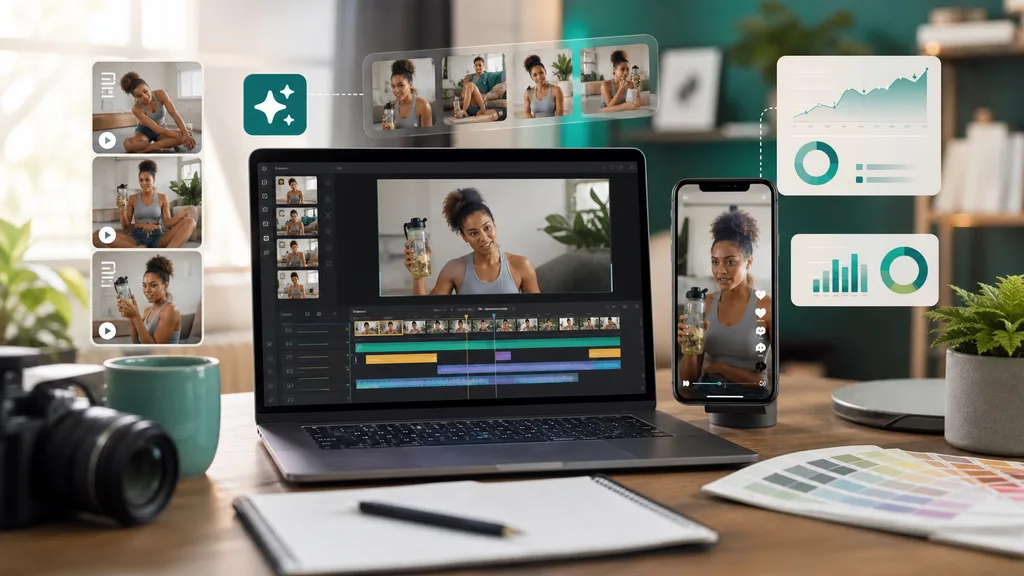
An AI video ad creator is most useful when it is treated as a production system, not a magic button. The goal is not simply to generate a nice-looking clip. The goal is to turn one customer problem into a clear script, a believable presenter, a mobile-readable video, and several controlled ad variants that can teach the team what to scale next.
Start with a production-ready brief
Before opening any video tool, write a compact brief with five fields: audience, pain, promise, proof, and constraint. Audience defines who should stop scrolling. Pain gives the opening line emotional relevance. Promise explains the result the product can credibly deliver. Proof tells the video what to show: a demo, testimonial, screenshot, before-and-after moment, or side-by-side comparison. Constraint protects the campaign from claims, prices, policy issues, or visual styles that should not appear.
This brief keeps the AI video ad creator from producing generic content. Generic scripts usually sound polished but fail because they do not match a real buyer situation. A strong brief makes the tool produce a specific ad: a founder explaining a workflow fix, a customer showing a product demo, an expert comparing options, or a peer recommending a shortcut.
Write hooks before the full script
Many teams write a full script first and only then try to improve the opening. That is backwards for paid social. The hook controls whether the rest of the video gets watched. Build ten opening lines before writing the final script. Use different angles: direct problem, surprising cost, quick demo, objection reversal, mistake to avoid, and personal discovery. Keep the first sentence short enough to be spoken naturally.
Once the best hook candidates are selected, write one master script around the same proof point. Keep the body simple: problem, proof, outcome, call to action. An AI video ad creator works better with spoken sentences than with headline copy. Read the script aloud. If a sentence feels awkward in speech, it will feel awkward from an AI actor too.
Cast the actor against the buyer
The right actor is not always the most cinematic one. For a productivity app, a calm operator may work better than a high-energy influencer. For ecommerce, a friendly reviewer may be more persuasive than a formal expert. Match actor, voice pace, and expression to the audience expectation. The viewer should feel that the presenter belongs in the product category.
Make variants with one changed variable
AI makes it easy to generate too many random versions. A better workflow changes one thing at a time. Batch one can test hooks while keeping actor, proof, and CTA stable. Batch two can test proof order. Batch three can test actor style. This makes performance data readable. If every part changes at once, the team learns little even when one ad wins.
Review before exporting
Review the first draft on a phone. Check whether the opening is clear without sound, whether subtitles fit the safe area, whether the proof appears early, and whether the CTA matches the offer. Then review claims, prices, disclaimers, and rights before launch. The best AI video ad creator workflow is fast because mistakes are caught before the final render, not because review is skipped.
Where makeads fits
makeads is built for this kind of structured video ad production. Teams can move from script to AI actor, subtitles, dubbing, lip sync, and export without splitting the work across too many tools. That matters when a campaign needs ten versions quickly. The same brief can guide actor choice, voice, subtitle timing, and localized variants, so the final ads still belong to one measurable testing plan.
Used this way, an AI video ad creator becomes a practical creative engine. It helps teams move from one idea to many campaign-ready ads while keeping the strategy organized enough for testing. The output is faster, but the real advantage is cleaner learning.
How to apply this guide in makeads
Use this guide as a practical checkpoint for planning AI UGC videos, comparing creative angles, and deciding which parts of your workflow should be scripted, generated, reviewed, localized, and tested first.
The most useful next step is to translate the advice into one production brief: define the audience, the opening hook, the proof moment, the actor style, subtitle requirements, and the metric you will use to decide whether a video variant is worth scaling.
Related focus areas for this topic include AI Video Ad Creator, Video Ads, Creative Workflow, Performance Marketing. If you are building a campaign library, connect this guide with your pricing assumptions, platform policy checks, and localization plan before creating the final export.