
How to Solve the AI UGC Production Bottleneck: A Complete Workflow for Faster Video Ads
A practical 2,000-word workflow for solving slow UGC production, weak hooks, inconsistent quality, localization delays, and late compliance review with an AI-first operating system.
Most teams do not struggle because they lack video ideas. They struggle because every idea has to survive a slow handoff chain: strategy writes a brief, a creator records footage, an editor builds the first cut, a marketer asks for changes, legal reviews the claim, and localization starts after the message has already been reworked twice. The result is familiar: too few ads, too many rushed approvals, and a creative testing calendar that never catches up with the market.
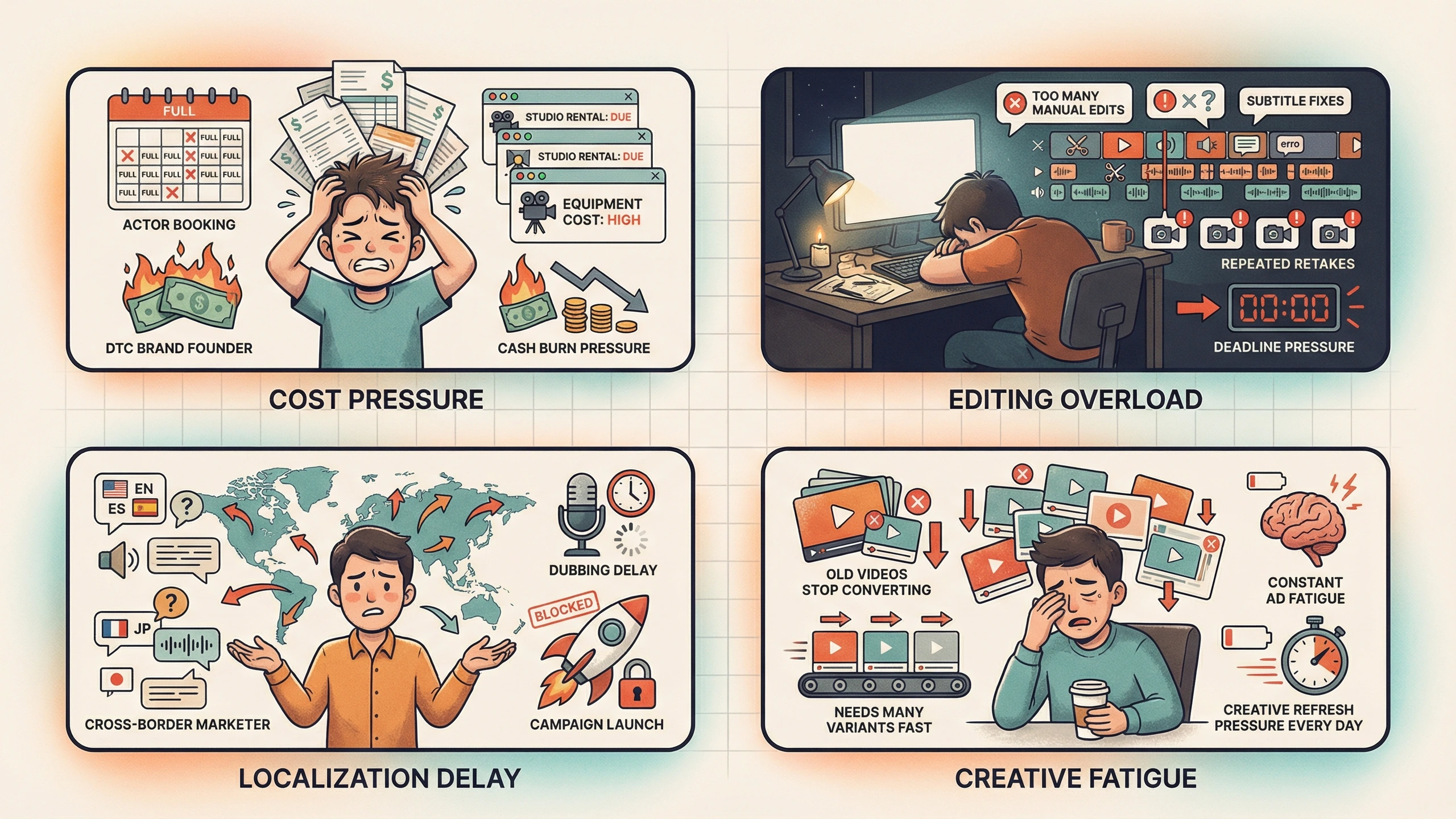
AI UGC changes the economics, but only if the workflow changes with it. If a team uses AI to generate clips while keeping the same messy approvals, the output gets faster but the system remains fragile. A better approach is to design production as a controlled operating model. The goal is not to make one impressive video. The goal is to produce a steady pipeline of credible, policy-safe, testable ads where each new batch teaches the next batch what to improve.
This guide explains the core problems that slow UGC teams down and a practical solution for each one. It is written for growth marketers, e-commerce operators, agencies, and small creative teams that need more short-form videos without adding more calendar dependency.
Problem 1: the creative brief is too vague to produce from
A vague brief creates work that looks busy but does not move the campaign forward. Phrases like make it feel more premium or test a stronger hook sound useful in a meeting, but they do not tell a writer what claim to make, an actor how to deliver it, or an editor what proof to show first. When the brief is loose, every downstream person has to make strategic decisions. That is why late-stage comments often feel like rewrites instead of refinements.
The solution is a production-ready brief with five locked fields: audience, problem, promise, proof, and constraint. Audience defines who must care. Problem states the pain in the customer language. Promise gives one outcome the ad is allowed to claim. Proof identifies the demo, screenshot, review, metric, or before-and-after moment that makes the promise believable. Constraint lists claims, visual treatments, or policy-sensitive language that cannot be used. A short brief with those fields is more valuable than a long brand deck because it tells the production system what to protect.
Problem 2: the hook sounds good in a document but fails in the feed
UGC hooks fail when they are written like headlines instead of spoken openings. A viewer does not read the hook in isolation. They hear a person say it while scrolling past competing videos. The first sentence needs to create instant context, not cleverness. If the opening is too long, too abstract, or too brand-centered, the ad starts by asking the viewer to do mental work.
Build hooks with a matrix instead of brainstorming randomly. Pick three customer pains, three opening styles, and one proof asset. For example, the pains could be time waste, high production cost, and inconsistent creative output. The opening styles could be direct problem, personal discovery, and objection reversal. Pair them into nine hooks, then keep the rest of the script stable. This lets the team test hook angle without changing offer, proof, and CTA at the same time.

Problem 3: actor, voice, and product category do not match
A common AI UGC mistake is choosing the most polished actor rather than the most believable one. Polished does not always mean persuasive. A fitness product, productivity app, skincare item, and B2B software demo each need a different speaker pattern. The wrong persona creates friction even when the technical generation quality is high. Viewers may not know exactly what is off, but they sense that the delivery does not belong to the offer.
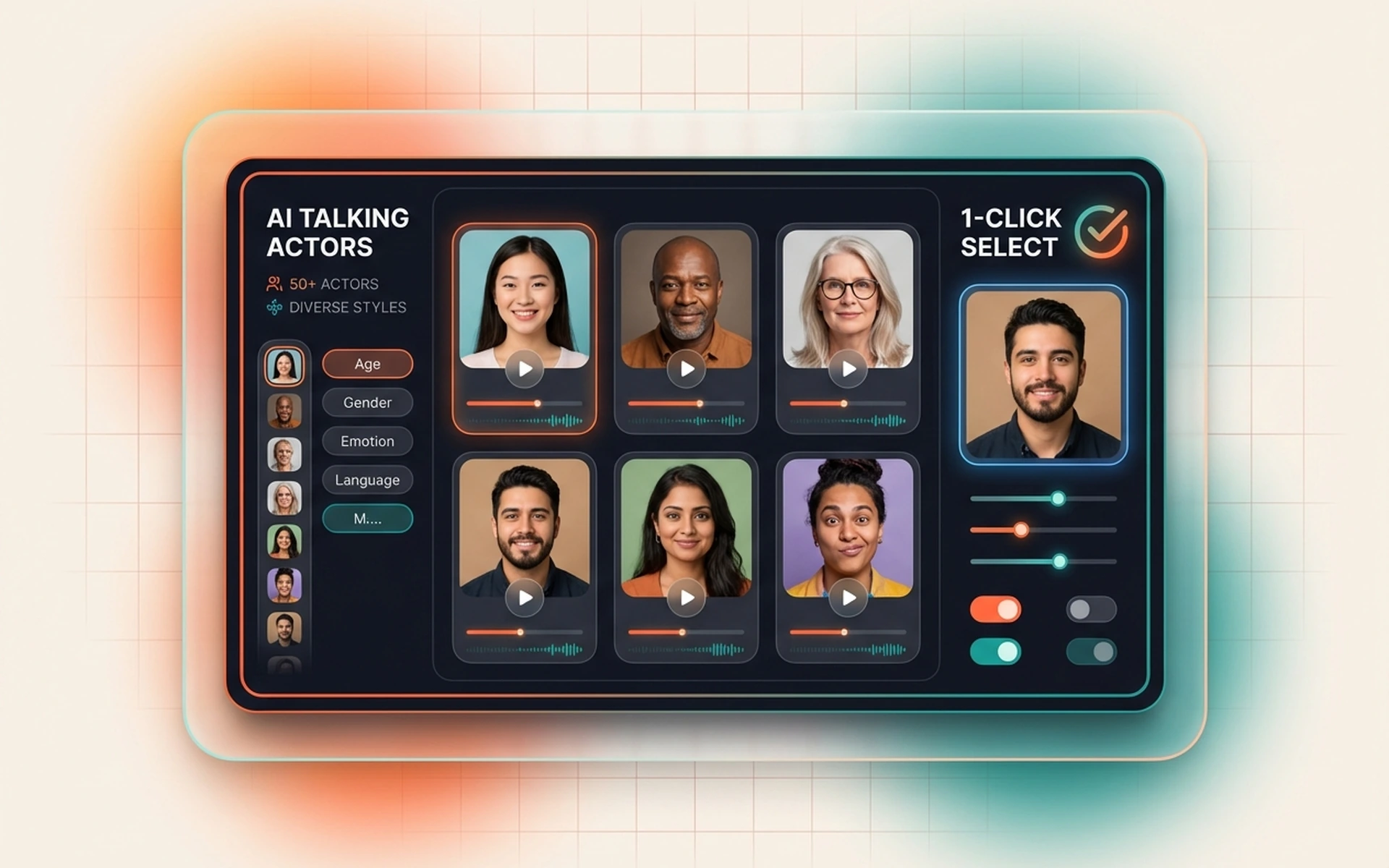
Treat actor selection as casting, not decoration. Write a one-line casting brief before generating the video: friendly peer explaining a practical shortcut, expert reviewer comparing options, busy operator sharing a workflow fix, or customer telling a fast before-and-after story. Then select actor, pacing, and voice tone against that brief. If the ad needs trust, use slower delivery and clear proof. If it needs urgency, shorten the sentences before increasing actor energy.
Problem 4: localization multiplies the amount of review
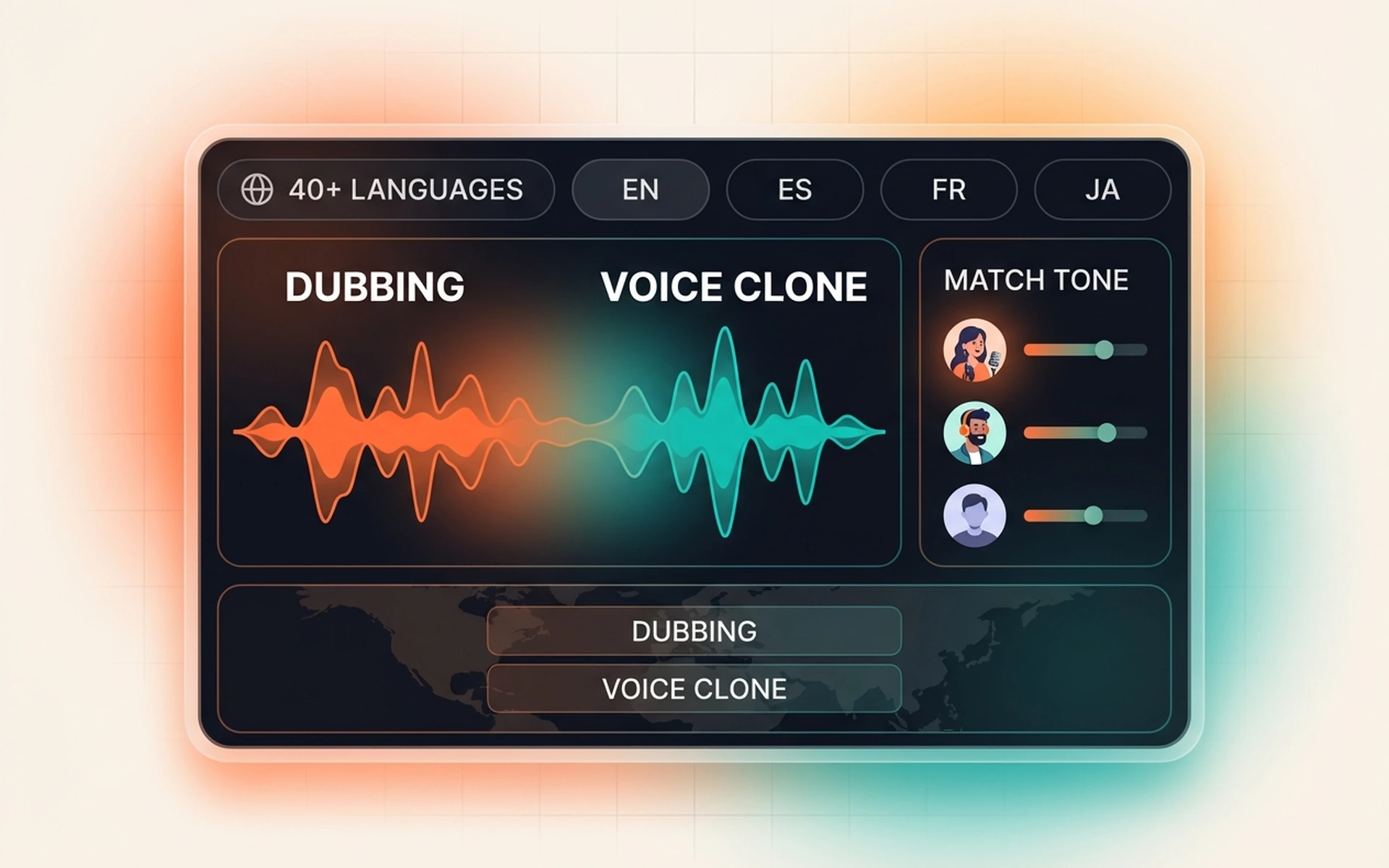
Localization often becomes expensive because teams translate too early. They create several language versions before proving that the message works in the source market. When the source script changes, every translation, subtitle timing, voiceover, and approval thread has to change too. That creates a hidden tax on every creative revision.
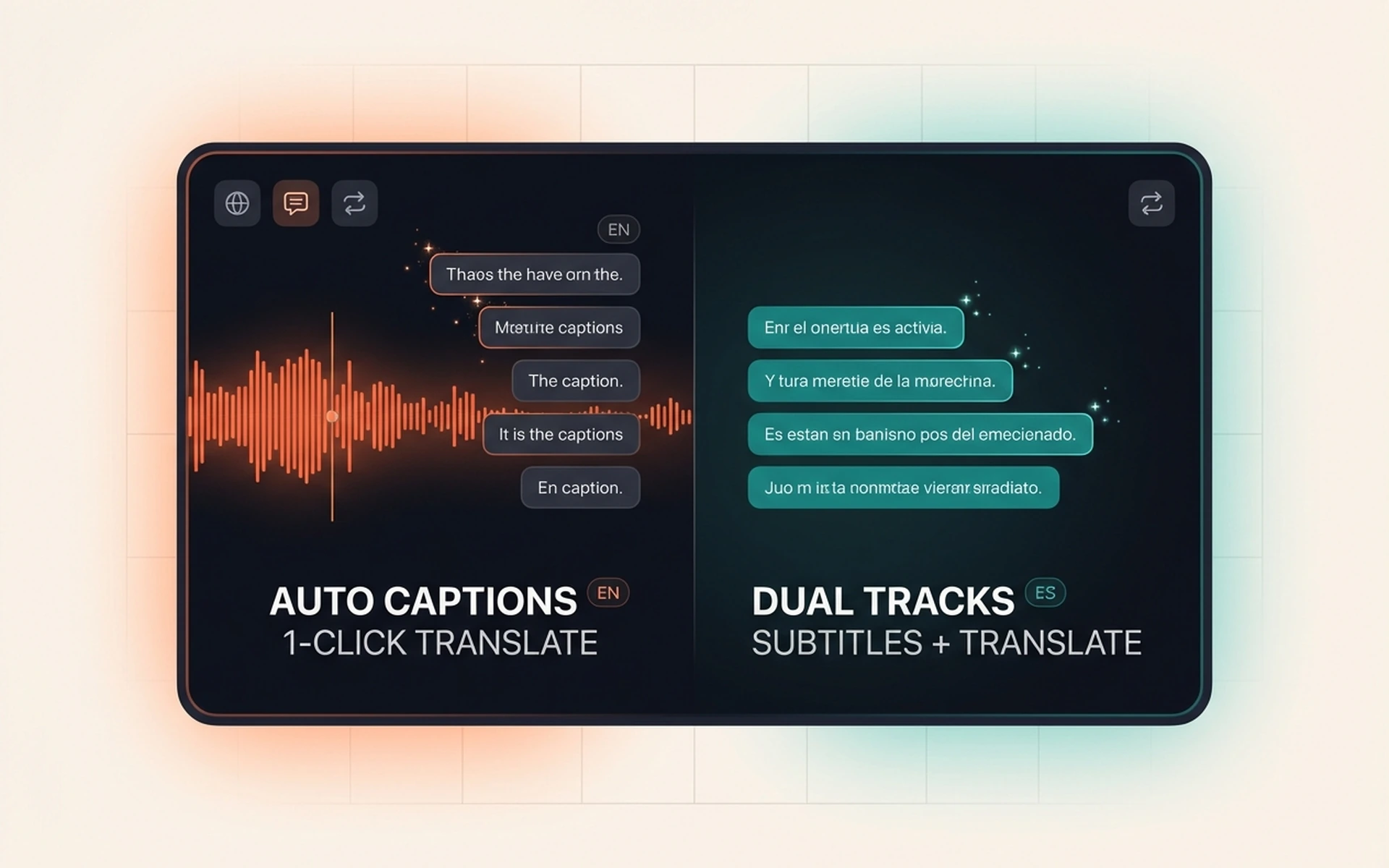
The solution is to separate message validation from language expansion. First, lock a source version with a clear hook, proof sequence, and CTA. Second, translate meaning rather than sentence structure. Third, review timing because translated phrases can expand or contract. Fourth, run native-language QA for idiom, claims, numbers, and subtitle readability. A localized ad should feel native to the viewer while still measuring the same campaign idea.
Problem 5: quality review happens after the expensive render
Many teams review too late. They wait for a polished video and then discover that the claim is weak, the subtitle blocks are too dense, the proof arrives too late, or the actor delivery does not match the product. Late review feels thorough, but it is expensive because the fix requires regenerating or re-editing finished work.
Move quality control upstream with three gates. Gate one is script review: can the audience, problem, promise, and proof be understood without seeing the video? Gate two is first-render review: does the actor delivery feel credible, is the first proof visible early, and do subtitles fit the mobile frame? Gate three is final export review: are claims substantiated, links and prices current, legal lines readable, and platform-safe areas clear? This sequence catches structural problems before visual polish hides them.
Problem 6: compliance is treated as a final obstacle
Compliance review becomes painful when it enters after the creative team has become attached to a specific cut. The reviewer then has to remove risky language, and the production team sees the change as a creative downgrade. This dynamic creates friction and slows launch cycles.
Put compliance into the brief. For each campaign, maintain an evidence ledger with approved claims, forbidden claims, required disclaimers, source proof, and version notes. Writers can then build scripts from approved language instead of guessing what will pass. This is especially important for financial services, health, beauty, education, and any category where before-and-after claims can imply guaranteed outcomes.
The solution: a seven-step AI UGC operating model
A reliable workflow turns AI UGC from a content experiment into a production system. The following model is simple enough for a small team but structured enough for weekly creative testing.
- Lock the campaign brief. Define audience, problem, promise, proof, CTA, platform, aspect ratio, and compliance constraints before writing full scripts.
- Create a hook matrix. Generate several openings from controlled pain and style combinations, then select the best candidates for production.
- Write one master script. Keep sentences short, spoken, and easy to subtitle. Put proof before the midpoint.
- Cast the actor and voice. Match persona to buyer expectation, then generate a short preview before building the full batch.
- Build controlled variants. Change one variable per batch: hook, proof framing, CTA, actor, or language.
- Run staged QA. Review script, first render, and final export with different checklists instead of one late subjective review.
- Measure by hypothesis. Tag each variant by the variable it tests so results can guide the next production cycle.
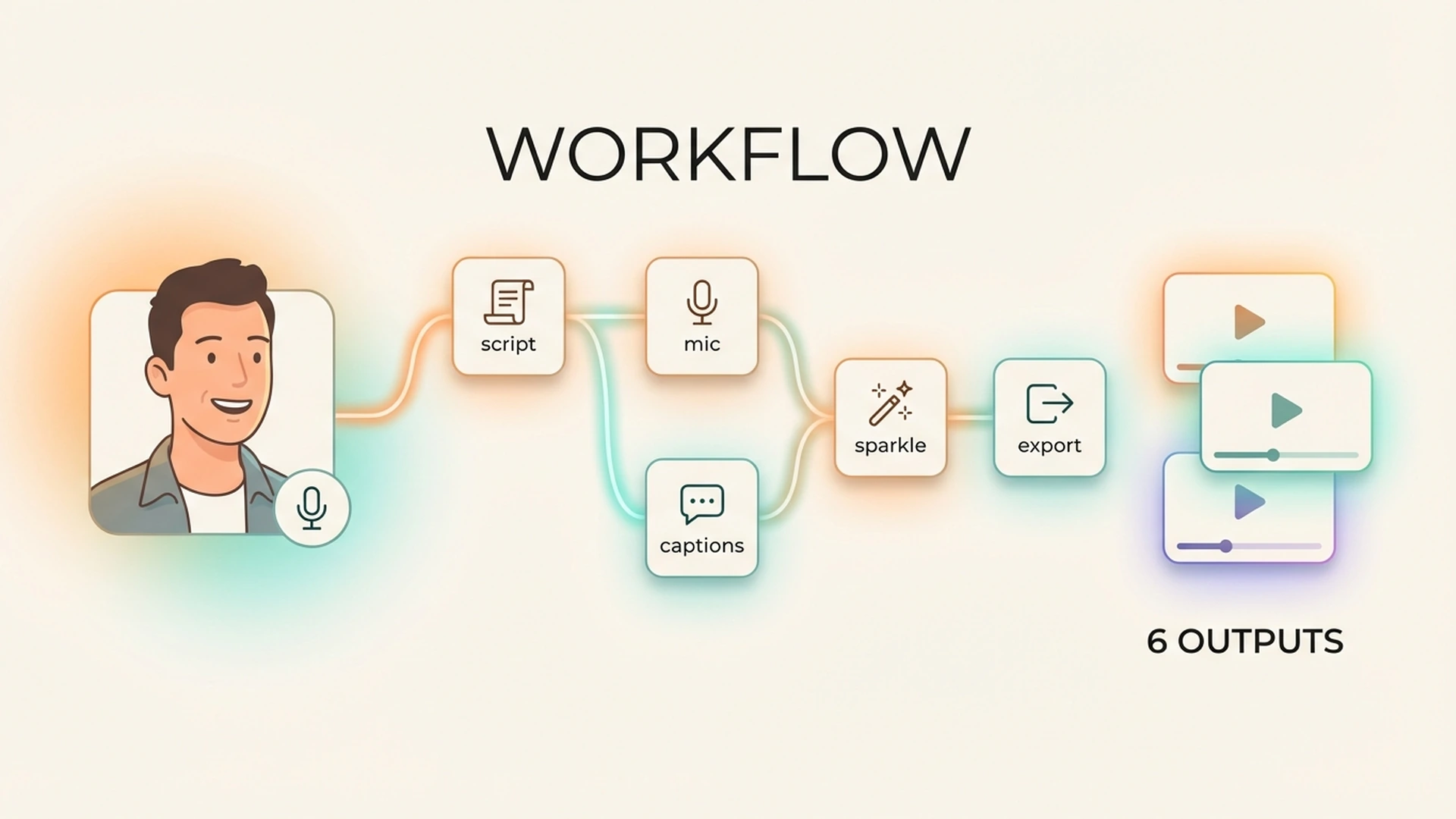
Where makeads fits into the workflow
makeads is useful when the team already knows the campaign problem but needs a faster production layer. The platform keeps script creation, AI talking actors, dubbing, subtitles, lip sync, and export inside one workflow, which reduces the number of handoffs between idea and finished variant. That matters because the highest cost in UGC production is often not the render itself. It is the coordination cost around each render: which actor should speak, which line changed, which version is approved, which language needs review, and which file belongs to the active test.
Use the app as a repeatable execution system, not as a replacement for strategy. Start with a sharp brief, generate a small set of controlled videos, review the first pass on mobile, then expand only the variants that support a real testing hypothesis. This keeps AI output connected to campaign learning. The result is not just more content. It is a cleaner path from customer problem to script, from script to actor delivery, from actor delivery to localized versions, and from each launch to the next creative decision.
A practical five-day sprint
A small team can run this workflow in one business week. On Monday, strategy locks the brief and evidence ledger. On Tuesday, the writer produces hook options and one master script. On Wednesday, production generates actor previews and selects the strongest delivery. On Thursday, the team creates controlled variants and runs first-render QA. On Friday, final exports are reviewed, named, tagged, and uploaded for testing. The important part is that each day has a narrow decision type. Strategy is not still changing the audience on Thursday, and localization is not starting before the source message is approved.
For larger teams, the same sprint can run in parallel by product line or region. The key is version discipline. Every export should carry the campaign, audience, hook angle, actor, language, and variable being tested. Without this naming discipline, performance data becomes hard to interpret and the team drifts back into random creative output.
What to measure after launch
AI UGC measurement should connect creative choices to funnel behavior. For hook tests, watch hold rate in the first seconds and click-through rate by opening angle. For proof tests, watch completion rate, landing page engagement, and conversion quality. For localization tests, compare subtitle language, dubbed audio, and native-language comments or support feedback. For compliance-sensitive categories, track disapproval reasons and feed them back into the evidence ledger.
Do not judge every variant only by final purchase volume. Early creative signals tell different stories. A hook can improve attention while the proof still fails to persuade. A localized version can improve completion but need a stronger CTA. A new actor can create better trust for one audience and worse performance for another. The operating model works because it makes these differences visible.
Final checklist before you scale
- The brief has one audience, one problem, one promise, and one proof source.
- The first sentence is spoken language, not a written headline.
- The proof appears early enough for a fast-scrolling viewer to understand.
- The actor persona matches buyer expectation for the category.
- Subtitles are readable on a small mobile screen and do not cover product proof.
- Localization starts only after the source message is approved.
- Claims, prices, disclaimers, and rights are reviewed before final export.
- Every variant is tagged by the variable it is meant to test.
The teams that win with AI UGC will not simply generate the most videos. They will build the clearest learning loop. A structured workflow turns each script, actor choice, subtitle pass, and localization decision into information. That information makes the next batch sharper, faster, and easier to approve. Once the bottleneck is removed, creative production becomes less about chasing one perfect ad and more about running a reliable system for finding the next effective angle.
How to apply this guide in makeads
Use this guide as a practical checkpoint for planning AI UGC videos, comparing creative angles, and deciding which parts of your workflow should be scripted, generated, reviewed, localized, and tested first.
The most useful next step is to translate the advice into one production brief: define the audience, the opening hook, the proof moment, the actor style, subtitle requirements, and the metric you will use to decide whether a video variant is worth scaling.
Related focus areas for this topic include AI UGC, Creative Operations, Video Workflow, Production Strategy. If you are building a campaign library, connect this guide with your pricing assumptions, platform policy checks, and localization plan before creating the final export.